

When the Undress Says No: Refusals, Filters & What to Do Instead (2026)
This guide explains the refusals you will actually meet, why each one happens, and what to do instead. It covers only the compliant path. There is no way around a filter in this article, because there is no legitimate one: if a photo is refused for consent or safety reasons, the answer is a different photo, not a cleverer upload.
Quick verdict: A refusal is usually one of five things: the photo shows a real person who has not consented, the person in it could be a minor, the photo is of a public figure, the photo is unusable, or the photo has more than one person in it. The fix is almost always the same: use a photo of yourself, or a fictional adult you created, retaken in good light. A refused upload produces no image, so the only credits at stake are the ones your next attempt will spend.
Contents:
- What a refusal looks like
- The five refusals you will actually meet
- Why the filter says no
- Reading the refusal: what it is telling you
- What to do instead, step by step
- The retake checklist
- What not to do after a refusal
- What a refusal costs
- What this guide cannot tell you
- Consent and the rules
- Final verdict
- FAQ
| Refusal | What you see | What to do instead |
|---|---|---|
| Real person, no consent | Upload declined | Use your own photo, or a fictional adult |
| Could be a minor | Upload declined | Use an adult you created yourself |
| Public figure | Upload declined | Generate a fictional character instead |
| Unusable photo | Upload declined or poor result | Retake it in good light, front-facing |
| Group or mixed photo | Upload declined | Crop to one consenting person, or retake |
1. What a refusal looks like
A refusal is not a broken image. It is the absence of one. You upload the photo, the tool checks it, and the job never starts. There is no half-finished result to rescue, no distorted output to fix in the image editor, and no error code worth memorising. The job simply does not run.
2. The five refusals you will actually meet
Almost every refusal falls into one of five buckets. Learn to tell them apart, because each one has a different fix, and the fix for one bucket does nothing for another.
One: a real person who has not consented. This is the most common refusal and the most important one. The photo shows a real person — someone you know, a stranger, anyone who is not you — and there is no consent for the edit. The tool cannot verify consent from the image, so it refuses. It does not matter whether the person would have said yes. If you cannot show consent, the tool treats the photo as unusable.
Two: the person could be a minor. If the age of the person in the photo cannot be established as adult, the tool refuses. This is a hard rule with no exceptions and no appeals process worth pursuing. Photos of young-looking people, old photos of yourself from years ago, and photos where the age is genuinely unclear all fall here. The tool errs on the side of refusing, and that is by design.
Three: a public figure. Photos of celebrities, influencers, politicians, and anyone widely recognisable are refused. It does not matter that the photo is public, that it was taken at a public event, or that thousands of other people have shared it. Public does not mean consented. A public photo of a real person is still a real person.
Four: an unusable photo. Some photos are refused because the model cannot work with them: extreme blur, darkness so deep the body shape is invisible, a photo of a photo on a screen, or a crop so tight the body is mostly out of frame. This is the only refusal that is really about quality, and it is also the only one where retaking the same subject fixes it.
Five: a group or mixed photo. A photo with more than one person in it is refused, because the tool edits one body at a time and cannot be sure which person you mean. A person in the background, a reflection in a mirror, or a second face at the edge of the frame can all trigger this. The photo may be entirely innocent and still be refused, because the tool cannot tell which person the edit is for.
3. Why the filter says no
The filter exists because undress is the one tool on this site where the wrong input harms a real person. A bad face swap embarrasses a photo. A non-consensual undress harms the person in it, and the harm does not go away when the image is deleted. The filter is the difference between a tool and a weapon, and it is deliberately set to refuse too much rather than too little.
4. Reading the refusal: what it is telling you
When a photo is refused, ask three questions in order. First: whose photo is this? If the answer is anyone other than yourself, or a fictional adult you created, that is the refusal. Second: could anyone doubt the person is an adult? If the answer is yes, even slightly, that is the refusal. Third: is the photo clean — one person, front-facing, well-lit, sharp? If the answer is no, that is the refusal, and it is the only one you can fix by retaking.
5. What to do instead, step by step
Here is the compliant path, in order. It works for every refusal except the quality one, where step three does the work.
Step one: decide what the image is for. Are you making a version of yourself, or a fictional character? If it is yourself, the input must be a photo of you, taken now, in good light. If it is a character, the input should be a generated image of that character, not a photo of a real person who happens to look like them. La AI porn generator can make the character’s clothed image first; undress is the second step, not the first.
Step three: if it is a character, generate the input. Create the character as a clothed image first, with the generator, and check that the character reads as a fictional adult. Then undress that generated image. A generated input has no real person in it, so the consent question never arises, and the age question is answered by the character design.
Step five: if the photo is a group shot, simplify it before you upload. Crop to one person only if that person is you, or a fictional adult, and the crop removes everyone else completely. A crop that leaves a shoulder or a face at the edge still counts as a group photo. When in doubt, retake instead of cropping.
6. The retake checklist
For the quality refusal, and for every fresh photo you take, run this checklist before you upload. Every item you fix here is a refusal or a bad result you do not have to meet later.
- One person, front-facing. The model edits one body at a time. Crop to one person, or better, take a photo with one person in it.
- Well-lit, even light. Daylight or a bright room. Avoid harsh shadows across the body and avoid backlight.
- Fitted clothing. The closer the clothing follows the body, the less the model has to guess.
- Sharp and high-resolution. A sharp photo gives the model real detail to match; a blurry one gives it nothing.
- Simple background. A plain wall or an uncluttered room keeps the model focused on the body instead of the background.
- Full body or torso in frame. Do not crop through the body — the model needs the whole shape to reconstruct it.
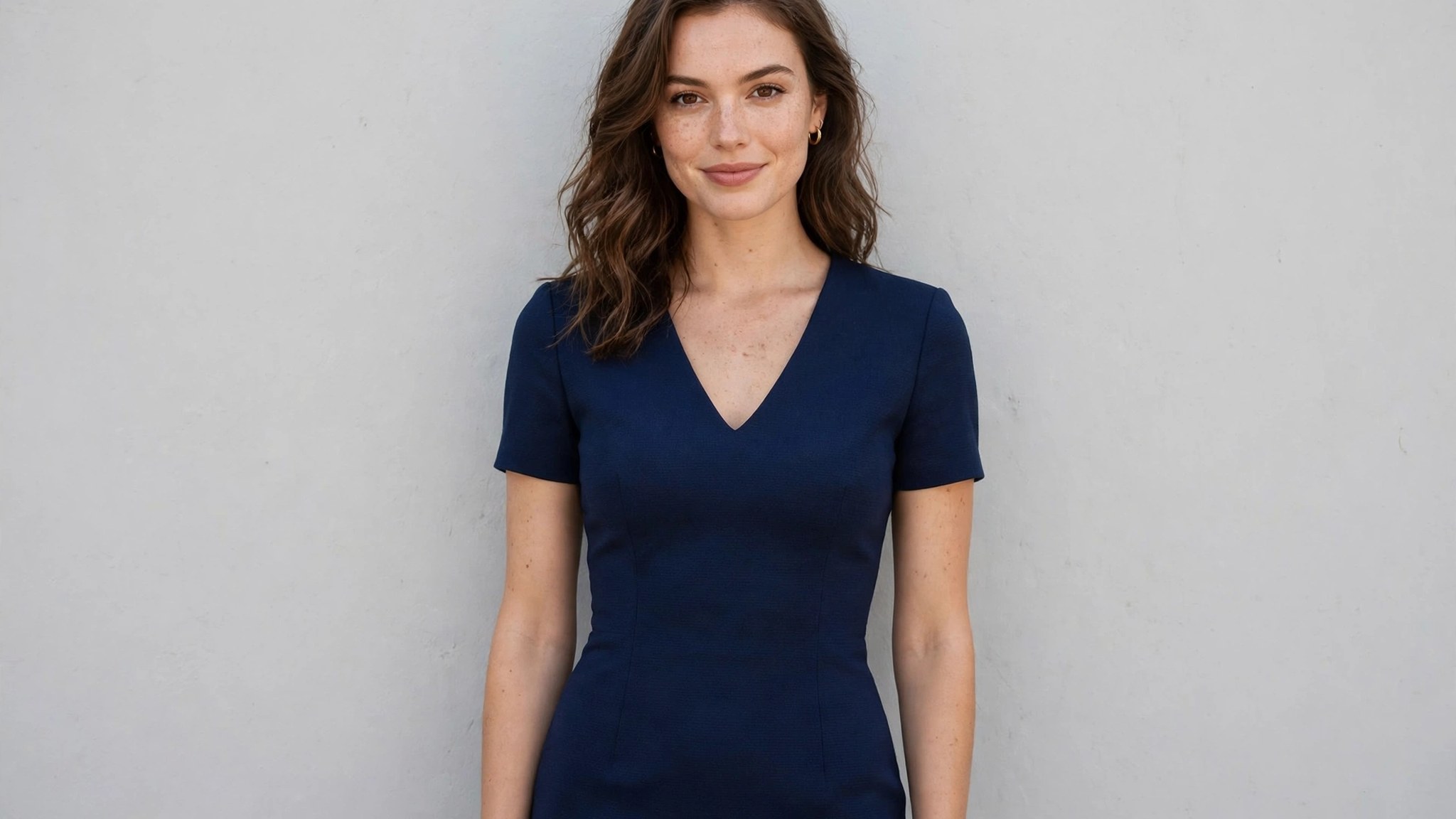
If your photo fails two or more items, retake it. Thirty seconds with a better photo is cheaper than any other fix, and for a quality refusal it is the only fix that works. The same checklist is in our guide to judging a result in ten seconds, and it is the same list for a reason: the input decides the result.
7. What not to do after a refusal
Three things that look like solutions and are not. First, do not re-upload the same photo and hope. The filter is deterministic about consent and age: the same photo gets the same answer. Second, do not edit the photo to disguise what it is — cropping out the person who caused the refusal, blurring a face, or changing the image so the filter cannot see the problem. If the photo was refused because of who is in it, no edit makes it yours to use, and disguising it is an attempt to get around the filter, which is itself a violation.
What a refusal costs
Prices checked 13 Nov 2026. A refusal produces no image, so the only credits at stake are the ones your next attempt will spend. An undress costs 21 credits per image. Credit packs are $19.99 para 1,000 credits and $59.99 para 5,000 créditos, both one-time purchases with no subscription, so one credit costs about two cents on the smaller pack and about 1.2 cents on the larger one. One undress is therefore about 42 cents on the $19.99 pack and about 25 cents on the $59.99 pack. Una $19.99 pack buys about 47 undress edits; a $59.99 pack buys about 238.
The cheapest compliant alternative is a fresh still image from the generator, which costs 6 credits — about 12 cents on the $19.99 pack and about 7 cents on the $59.99 pack. That is the cost of creating a fictional adult as a clothed input before you undress it. An editor pass, if a result needs a small fix, costs 49 créditos. Annual packs are $119.88 y $359.88, paid once and released monthly across twelve months, so they only save money if you generate every month.
What this guide cannot tell you
What this guide can tell you is the shape of the rules: consent first, age second, quality last. If your photo is your own, taken recently, of an adult, in good light, it will pass. If it fails one of those tests, fix the test it fails, not the photo’s pixels. And if you are unsure whether a photo is yours to use, it is not. That uncertainty is itself the answer.
Consent and the rules
The rule is simple and absolute: only undress photos of yourself, or of fictional adults. Never undress a real person without their consent. Non-consensual imagery of a real person — a photo of someone you know, a celebrity, anyone who has not agreed — can end your account and its credits with no refund, and the site’s zero-tolerance policy applies to it without exception.
Final verdict
When the undress says no, it is telling you which rule your photo broke, and the rule is almost always about the person in the photo, not the pixels. Consent first, age second, quality last — check them in that order, and the fix is usually a different photo: your own, taken today, or a fictional adult you generated yourself. A refused upload costs you no image and no result worth mourning. The expensive mistake is trying to get around the refusal instead of replacing the photo.
Ready to try the compliant way? Open the AI undress tool with a clean photo of yourself, or generate a fictional adult first — or browse the full tool list to pick the right tool for your job.
FAQ
Why was my undress refused?
Usually one of five reasons: the photo shows a real person without consent, the person could be a minor, the person is a public figure, the photo is unusable, or there is more than one person in it. Check the person first, then the age, then the quality.
Can I re-upload the same photo after a refusal?
You can, but the answer will be the same. The filter is consistent about consent and age, so the same photo gets the same refusal. Change the photo, not the upload.
Is there a way to get around the filter?
No legitimate one, and this guide does not describe any. If a photo was refused for consent or safety reasons, the compliant answer is a different photo — your own, or a fictional adult.
Does a refusal cost credits?
A refusal produces no image, so the only credits at stake are the ones your next attempt will spend. An undress costs 21 créditos, about 42 cents on the $19.99 pack and about 25 cents on the $59.99 pack.
Can I undress a photo of a celebrity?
No. Photos of public figures are refused. Public does not mean consented. Generate a fictional character instead.
What photo is most likely to pass?
A fresh photo of yourself, taken today: one person, front-facing, well-lit, fitted clothing, sharp, with a simple background. Or a generated image of a fictional adult, made with the same care.
Keep reading: Undress Photo Types: Front vs Side vs Group (2026) · Run It Twice: Why the Same Photo Undresses Differently Every Time (2026) · What to Expect From an Undress (and What Not To): Managing Expectations (2026)