

The Most Surprising Undress You Ever Made (2026)
Everybody who has used an undress tool has one result they still remember. Not the best one, and not the worst one — the surprising one. The photo went in looking ordinary, and the result came back looking like something else entirely: sharper, stranger, more convincing, or more wrong than you expected. People remember that result because it broke the pattern. The question is what actually broke it.
Quick verdict: A surprising result is usually a readable photo, not a lucky one. When the light is clean, the pose is front-facing, and the clothing is fitted, the tool has the information it needs. When any of those three is missing, the tool has to guess, and the guess is where the surprise lives. Before you spend 21 créditos, spend sixty seconds reading your own photo: light first, pose second, fabric third.
Contents:
- What surprising usually means
- The photo decides before you spend
- Light is the surprise
- Pose and fabric
- The background you forgot
- The surprise audit: sixty seconds
- When the surprise is bad
- What a surprising undress costs
- What this guide cannot tell you
- Consent and the rules
- Final verdict
- FAQ
| The surprise | What was already in the photo | Check this first |
|---|---|---|
| Better than expected | Clean light, front pose, fitted clothing | Is the face lit and the pose square to the camera? |
| Worse than expected | Backlight, side pose, loose layers | Is the body in shadow or turned away? |
| Different from expected | Busy background, patterned fabric | What is behind the person, and what is the fabric hiding? |
| Nothing like the photo | Blur, distance, or a group shot | Is there one sharp person, close enough to read? |
1. What surprising usually means
Surprise comes in three kinds, and they are worth separating, because each one points at a different part of the photo. The first kind is the good surprise: the result looks more natural than you expected, the skin looks like skin, the pose reads as a real body rather than a drawing. The second kind is the bad surprise: the result looks wrong in a way you cannot quite name, and you keep staring at it trying to find the fault. The third kind is the strange surprise: the result is fine, but it is not the person you uploaded.
People usually explain all three kinds the same way: the tool was good that day, or bad that day. That explanation feels right because the result is the only thing you see. But the tool does not have good days. It has inputs. The same tool, given the same photo twice, will not give you the same picture twice — earlier guides on this site have shown that running one photo twice gives two different results — yet the range of those results is set by the photo. A clean photo gives a narrow range of decent results. A messy photo gives a wide range, and somewhere in that wide range sits the surprise you remember.
2. The photo decides before you spend
An undress tool does not see a person. It sees a picture, and from that picture it has to work out where the body is, where the clothing ends, and what the light is doing. Every part of the photo it cannot read clearly is a part it has to invent, and invented parts are where results go wrong. The photo decides the result before the tool starts, in the same way a recipe decides a meal before the oven is switched on.
Three things carry most of the information. Light tells the tool where the body curves and where it flattens. Pose tells it which parts of the body are visible and which are hidden. Fabric tells it what is clothing and what is skin, and how tight the boundary between them is. When all three are clear, the tool has a straightforward job. When any one of them is unclear, the tool fills the gap, and the filling is the surprise.
3. Light is the surprise
If one thing explains most surprising results, it is light. Light is the information the tool uses to find the body. A face lit from the front gives the tool edges it can follow. A body lit from behind gives it a silhouette and nothing else. The difference between those two photos is the difference between a result that looks like the person and a result that looks like a guess.
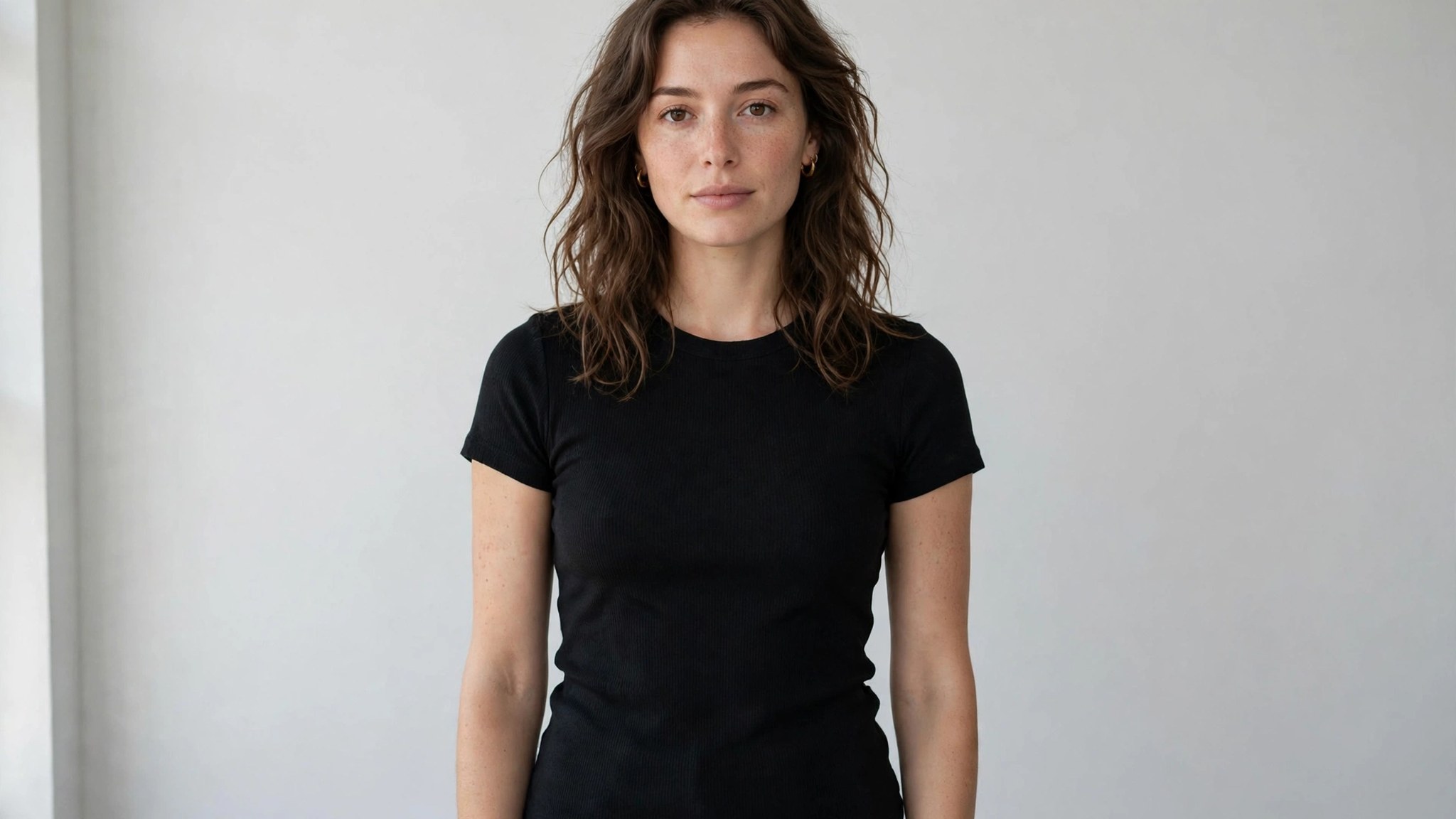
Front light is the simplest version. Daylight from a window, with the person facing it, puts light on the face and the front of the body at the same time. The tool can see the shape of the shoulders, the line of the waist, and the fall of the clothing. Nothing is hidden in shadow, so nothing has to be invented. This is the light in most of the results people call surprisingly good, and the reason is not mysterious: the photo gave the tool the most to work with.
Backlight is the opposite. The person stands between the camera and a bright window, and the camera records a dark shape against a bright rectangle. You, looking at the photo, still know who it is, because you know the person and you fill in the rest from memory. The tool has no memory of the person. It has a dark shape. Whatever it produces from that shape is invention, and invention is visible as wrongness: proportions that drift, skin that looks painted on, a body that does not sit in the room. Side light sits between the two: one side of the body is lit and the other is in shadow, so half the information is there and half is missing, and results often look half right — the most confusing kind of surprise.
4. Pose and fabric
Pose is the second source of surprise. A front-facing pose, shoulders square to the camera, arms at the sides, gives the tool a full view of the body. A side pose hides half of it. A group photo hides most of it behind other people. The tool cannot see around a turned shoulder or through a second person, so whatever is hidden gets invented, and invented bodies are where the bad surprises live.
Fabric is the third piece, and it is the one people think about least. Fitted clothing follows the body, so the tool can read the shape underneath it. Loose clothing hides the shape, so the tool has to guess where the body is under the fabric. Layers make it worse: a jacket over a shirt over a top gives the tool three boundaries to sort out, and each boundary is a chance to get it wrong. Patterns make it worse again, because a busy print breaks up the edges the tool is trying to follow. If you want the result to look like the person, the input photo should show the body, not the wardrobe: a fitted top, a plain colour, one layer, no print.
5. The background you forgot
People choose a photo for the person in it and forget the room behind them. The tool does not forget the room. It reads the whole frame, and a busy background is noise it has to sort through before it finds the body. Clutter, mirrors, windows, other people, pets, bright signs — each one is a shape competing with the person for the tool’s attention.
Mirrors are the worst of these, because a mirror contains a second copy of the person, smaller and reversed. The tool has to decide which copy is the person, and it sometimes picks wrong, or blends the two. Windows are nearly as bad, because a bright window behind a person turns the person into a silhouette, which takes us back to the backlight problem. A plain wall behind the person is the best background there is, and it is also the most boring, which is why nobody takes that photo on purpose — but the tool does not care about boring. It cares about clear.
6. The surprise audit: sixty seconds
Here is the audit, in order. It takes about a minute, and it is the only quality control in the whole process that costs nothing. First, the person. Is there exactly one person in the photo, and is it you, or a fictional adult you generated? If the photo shows a real person who is not you, stop. Consent is not a quality question; it is the rule. If there is more than one person, pick a different photo. Groups are the single most reliable way to get a surprising result, and the surprise is never worth it.
Second, the face. Open the photo full screen. Can you see both eyes, the mouth, and the line of the jaw, all lit? If the face is in shadow, turned away, or cut off, the tool will struggle with the one part of the result you will look at first. Third, the body. Can you trace the shoulders, the waist, and the arms without guessing? Is the clothing fitted, plain, and one layer? If the body disappears under a coat or a pattern, the tool will invent the part you cannot see, and you will not like the invention.
7. When the surprise is bad
A bad surprise is still information. The first thing to do with it is to look at the result next to the input photo, side by side, and find the exact place where they stop matching. Is the face wrong, or the body? Is the light on the body different from the light in the room? Is the pose the same pose, or has the tool straightened a turn, or moved an arm? The fault has a location, and the location tells you which part of the input failed.
If the face is wrong, the input face was probably in shadow, turned, or small. If the body is wrong, the pose or the fabric hid it. If the light is wrong, the room was backlit or cluttered. Each of these has the same fix: a new input photo that corrects the one thing that failed. Change one thing at a time. If you change the photo, the pose, and the light all at once, you will not know which change fixed it, and you will not be able to repeat the fix.
What a surprising undress costs
Prices checked 13 Nov 2026. An undress costs 21 credits per image. Credit packs are $19.99 para 1,000 credits and $59.99 para 5,000 créditos, both one-time purchases with credits arriving immediately and no subscription, so one credit costs about two cents on the smaller pack and about 1.2 cents on the larger one. One undress is therefore about 42 cents on the $19.99 pack and about 25 cents on the $59.99 pack. Una $19.99 pack buys about 47 undress edits; a $59.99 pack buys about 238.
The audit costs nothing. A fresh still image, if you need a fictional adult to work from, costs 6 credits — about 12 cents on the $19.99 pack and about 7 cents on the $59.99 pack. An image edit costs 49 créditos. Annual packs are $119.88 y $359.88, paid once and released monthly across twelve months. The homepage also advertises free generation with no sign-up.
What this guide cannot tell you
This guide cannot tell you what your next result will look like. No honest guide can, because the result depends on a photo nobody here has seen. Anything that promises a specific effect is inventing a result it has not seen either. The only verifiable facts here are the price, the steps, and what makes a photo readable. Judge the result against the input, not against a picture in your head.
Consent and the rules
Only use photos of yourself, or images of fictional adults you created. Never upload a photo of a real person without their explicit consent, never upload a photo of anyone who could be under 18, and never upload a photo of a public figure. Everyone in every image must be a fictional adult, or yourself as an adult. The tool refuses photos that break these rules, and repeated attempts can end your account under the site’s zero-tolerance policy. If you are not sure a photo is allowed, do not upload it. Generate a fictional adult instead: a fresh still image costs 6 créditos.
Final verdict
The most surprising undress you ever made was not made by the tool. It was made by the photo you gave it. Read the photo before you upload it: light first, pose second, fabric third, background last. A readable photo gives you a narrow range of good results. An unreadable one gives you a wide range, and the surprise you remember will be somewhere in it.
Ready to try it the readable way? Open the AI undress tool with a clean photo of yourself, or generate a fictional adult first with the image generator — or browse the full tool list to pick the right tool for your job.
FAQ
What makes an undress surprising?
The photo, not the tool. A clean, front-lit, front-facing photo gives a narrow range of predictable results. A backlit, turned, or cluttered photo forces the tool to invent the parts it cannot read, and the invention is the surprise.
Can I predict what my undress will look like?
Only in broad terms. A readable photo — one person, facing the camera, well lit, fitted clothing, plain background — gives you a good chance of a natural-looking result. No guide can promise a specific effect from a photo it has not seen.
Why did the same photo give different results twice?
Because the tool is not deterministic: the same input produces different outputs on different runs. The range of those outputs is set by the photo, so a messy photo gives a wider, more surprising range than a clean one.
What is the best input photo for an undress?
One person — yourself, or a fictional adult — front-facing, well lit from the front, in fitted, plain, single-layer clothing, against a plain background, large in the frame. That is the whole checklist.
How much does an undress cost?
21 credits per image, about 42 cents on the $19.99 pack and about 25 cents on the $59.99 pack. Una $19.99 pack buys about 47 undress edits; a $59.99 pack buys about 238.
Can I undress a photo of someone else?
No, unless that person is you, or the image is a fictional adult you created. Never upload a photo of a real person without their explicit consent, and never upload anyone who could be under 18.
Keep reading: When the Undress Says No: Refusals, Filters & What to Do Instead (2026) · Undress Photo Types: Front vs Side vs Group (2026) · Run It Twice: Why the Same Photo Undresses Differently Every Time (2026)